
AI Automation for MS Office and Google Workspace
AI Automation for MS Office and Google Workspace
Part of:


This module helps you simplify and automate everyday office tasks using tools like Microsoft Power Automate and Google Workspace. You will learn how to connect commonly used apps such as Outlook, Gmail, Excel, Google Sheets, Forms, Drive, and Teams to reduce manual work and improve efficiency. Through practical examples, you will discover how to automate approvals, manage data flow, send notifications, and organize routine processes. The focus is on real business scenarios like handling form responses, sending reminders, updating records, and following up on tasks automatically. By the end of the module, you will be able to build simple workflows that save time and boost team productivity—without any coding knowledge.
Learning Outcomes
Build simple office workflow automations using Microsoft Power Automate.
Automate routine tasks across tools such as Outlook, Excel, Forms, Teams, Gmail, Google Sheets, and Google Drive.
Use Google AI tools to summarize, draft, organize, and process workplace information more efficiently.
Create practical workflows for approvals, notifications, follow-ups, data updates, and task tracking.
Identify repetitive office processes and convert them into simple, working automation flows.
Who is this program for?
Marketing managers
Digital transformation professionals
Entrepreneurs and startup founders
Operations managers
Product managers
Business analysts
Professionals involved in automation, analytics, or innovation initiatives
Participants are expected to have basic familiarity with AI tools.
Entry Criteria
Must have an intermediate-level understanding of AI prompt writing for Large Language Models.
Must have a good understanding of what workflows and standard operating procedures are, even in a non-AI working environment. (Should have prior experience working in a corporate environment where documented workflows and standard operating procedures are valued).
Must have access to a Microsoft 365 licensed account and/or a Google Workspace licensed account.
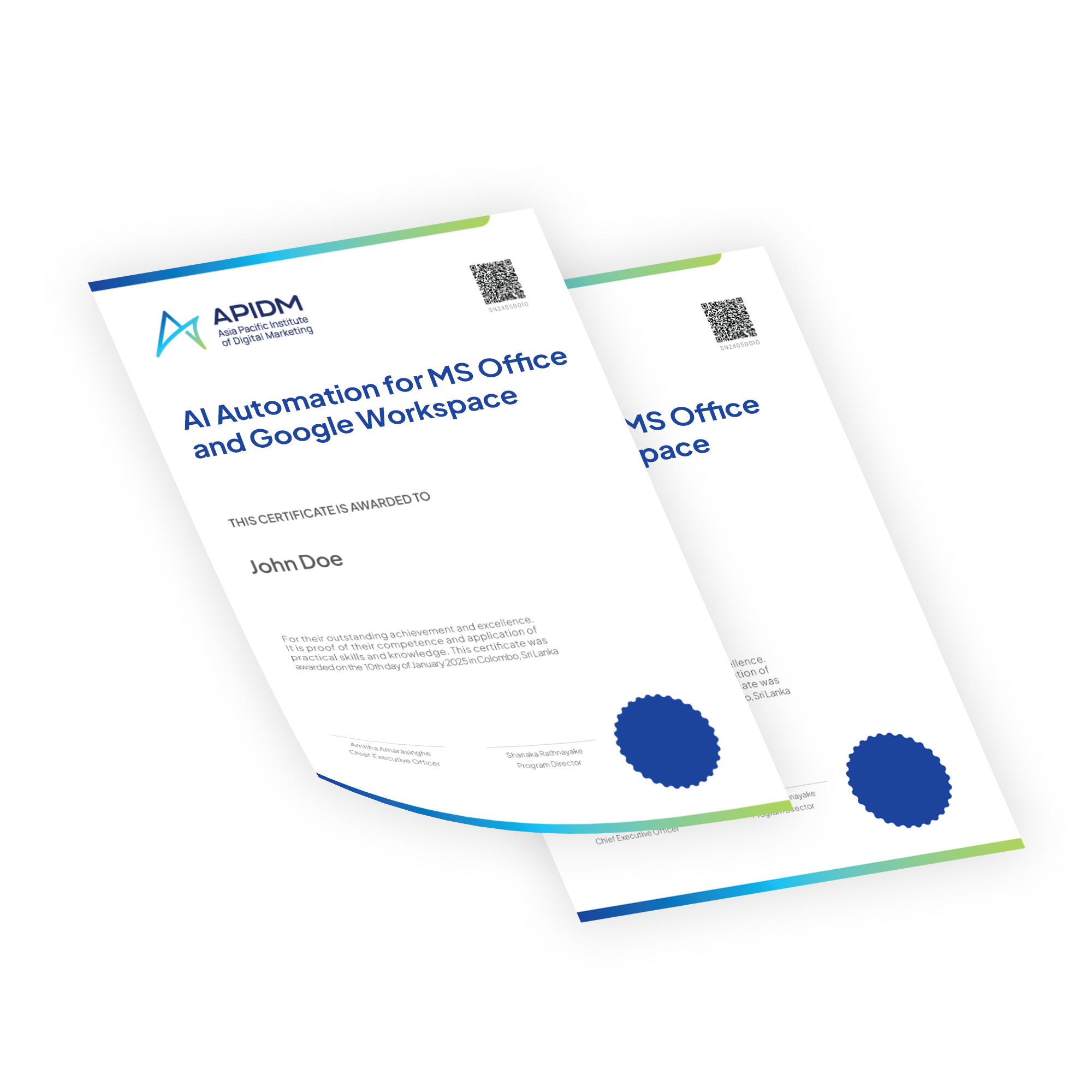
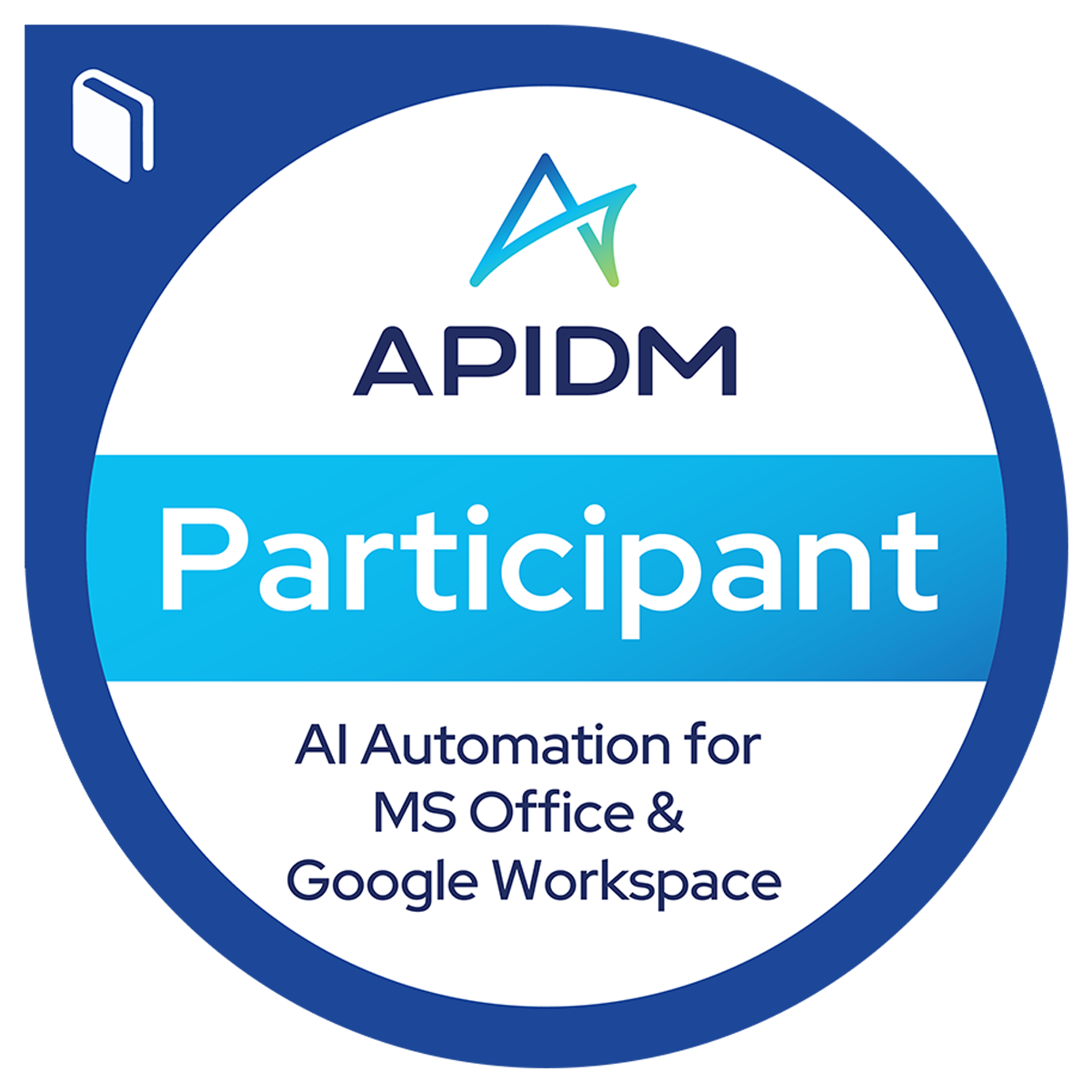
Upon successful completion of each module, learners will receive an e-certificate. Learners who complete a minimum of three modules will receive the APIDM Certified AI Business Innovator certification and APIDM Certified Digital Badge to easily share your achievement on LinkedIn and other platforms. This represents the successful completion of Stage 2 of the AI Business Acceleration Series.

Program Outline
Introduction to Workflow Automation
An Introduction to MS Power Automate
An Introduction to Google App Scripts
Hands-on Activity Briefing
Hands-on Session: MS Power Automate
Hands-on Session: Google Appscripts + Gemini AI
Open Q&A Session
Tools You Will Learn

What Our Alumni Say
-
"As someone from a traditional advertising background, my goal was to expand my skills in digital marketing. The instructors were experienced digital marketers, ensuring that I was getting the best value for my investment.”
Amrik Daryanani
Marketing Research Analyst
-
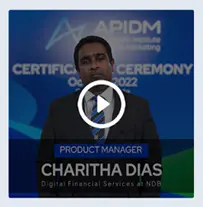
"I chose APIDM for my digital marketing needs because they offer the most comprehensive and recognized program. I highly recommend APIDM because of its knowledgeable faculty, practical approach, and ongoing updates to reflect industry changes."
Charitha Dias
Product Manager
-
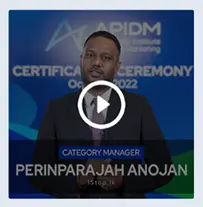
"I wanted to share my experience with APIDM:I took their course to enhance my digital marketing skills. It made a huge difference in the way I engage with my team and approach content creation."
Anojan Perinparajah
Category Manager
-
“APIDM has truly been a game-changer for me during the pandemic.It was 100% online, there was a lot of interaction and engagement with the trainers and fellow learners.”
Prageeth Wimalarathne
Creative Director
-
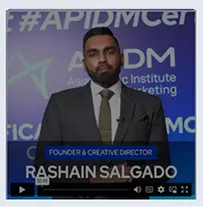
"The community of like-minded individuals I found through APIDM has been invaluable, providing support, inspiration, and networking opportunities. It is a transformative experience that will take your marketing skills to the next level."
Rashain Salgado
Founder & Creative Director
APIDM-qualified Professionals Work For








Panel of Trainers
Frequently Asked Questions
Yes. Learners are expected to have basic familiarity with AI tools, ideally through completion of the APIDM Stage 1 - AI Proficiency for Business Professionals program.
Completion of Stage 1 – AI Proficiency for Business Professionals is recommended but not mandatory. Professionals who have independently gained foundational familiarity with AI tools may also enroll.
Yes. You can enroll for a single module of your choice by making payment only for that specific module.
Yes. Upon successful completion of each module, learners will receive a digital certificate as well as the digital Credly badge.
Yes. Learners who successfully complete a minimum of three modules will be awarded the APIDM Certified AI Business Innovator certification.